Cost centers are essential to an organization's operations, create multiple cost center based on companies/entities are more within an organization to consider from invoice GST details along with address while raising invoice for a specific company within an organization.
Follow the below mentioned steps to configuration.
Step 1: Navigate to Settings from Menu list->Company Setup->Choose the Cost center


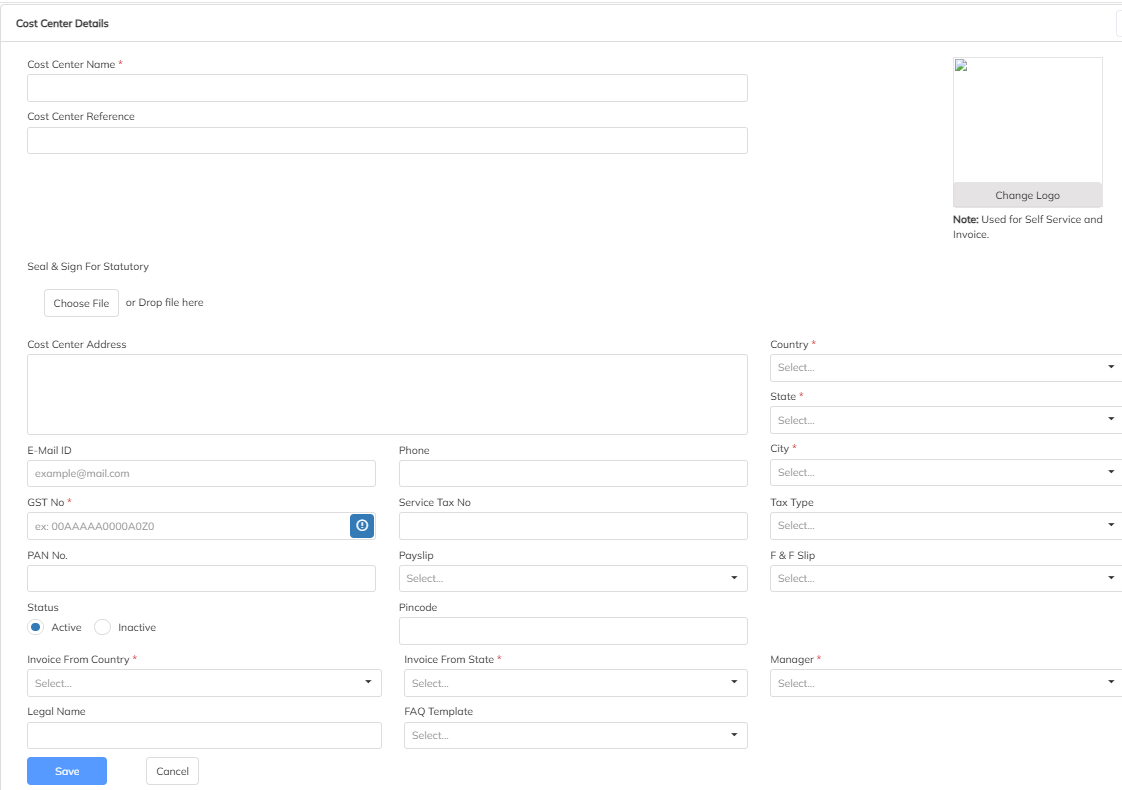
Step 2 : Click on “+” button to create New cost center and fill all mandatory details then click on save. During the Cost Center update the applicable Invoice details Ex: GST No, PAN No, State & Legal Name for the invoice prospective.
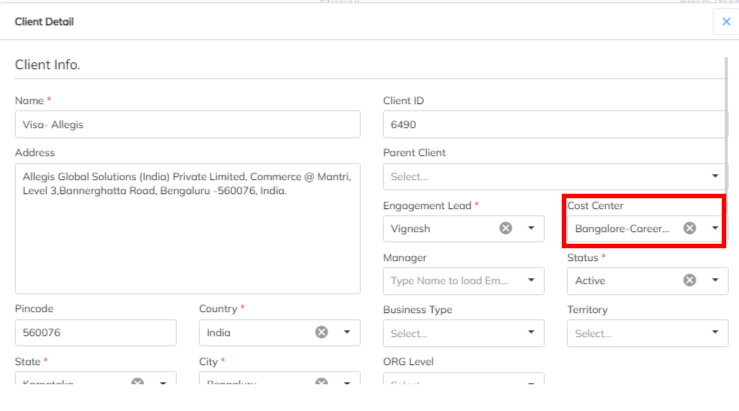
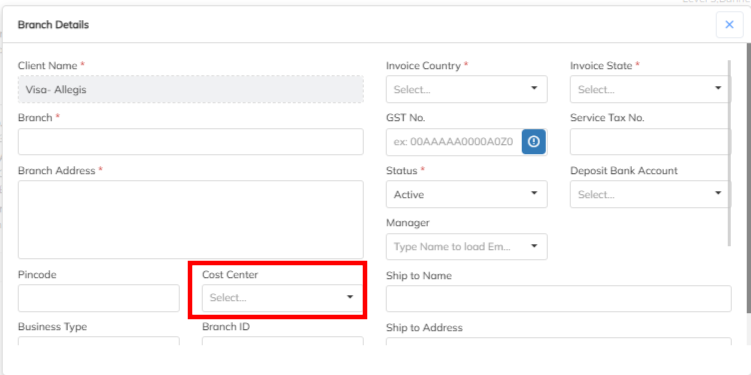
Step 3 : Multiple cost center creation will allow in the application. Map the specific the cost center under applicable client . During the invoice process for the client ,client mapped cost center wise invoice will raise. Cost center mapping option is available under branch level also and same will consider for branch wise invoices.
Was this article helpful?
That’s Great!
Thank you for your feedback
Sorry! We couldn't be helpful
Thank you for your feedback
Feedback sent
We appreciate your effort and will try to fix the article