- Consultant → Import → Employee Details Import.
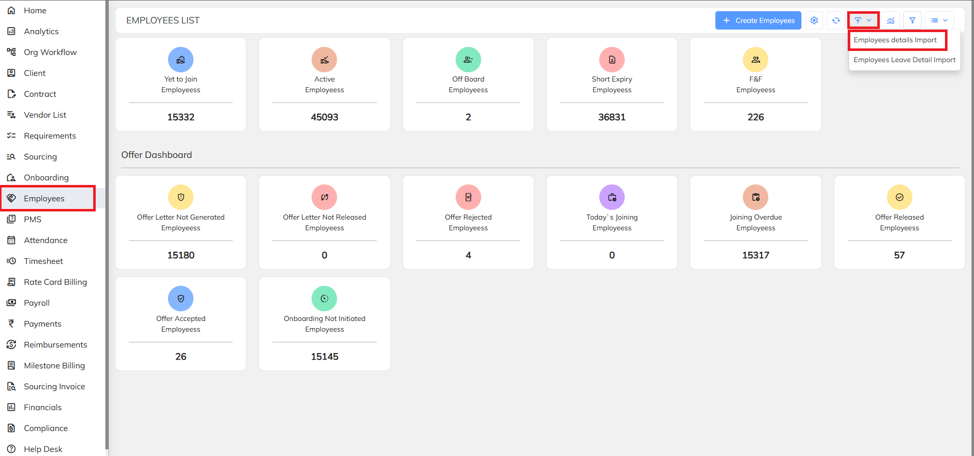
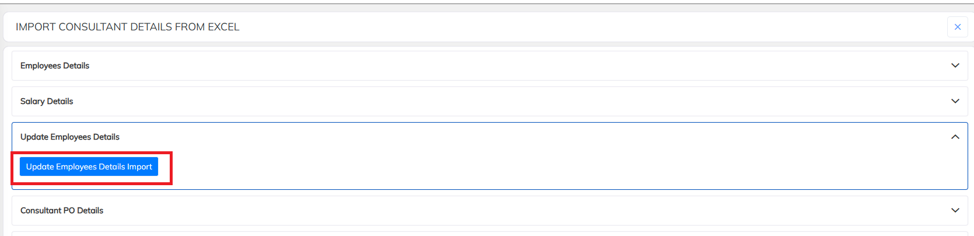
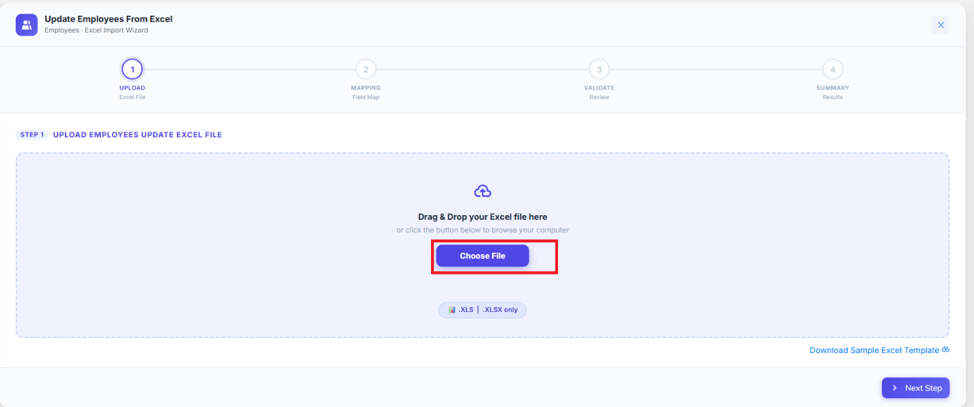
- Click on update employee details.
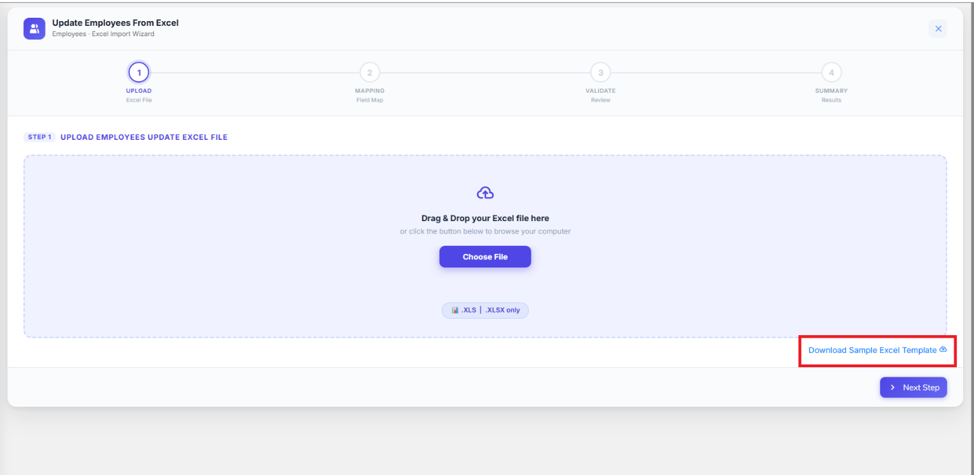
- Download the sample excel template.
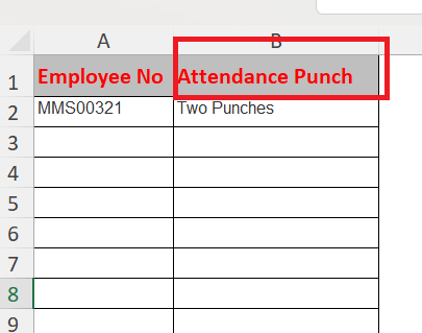
- Copy and paste the attendance punch header from the instructions list.

- Write down the employee number and mention the attendance punch type.
- Once completed save your file and upload it.
Was this article helpful?
That’s Great!
Thank you for your feedback
Sorry! We couldn't be helpful
Thank you for your feedback
Feedback sent
We appreciate your effort and will try to fix the article