Perform the following steps to view an employee's daily attendance selfie in the Client Portal:
- Navigate to the Employee section and select the Attendance tab.

- Click on Present Employees to view the list of employees marked present.

- Click on Column Chooser and enable the Login Selfie and Logout Selfie columns.
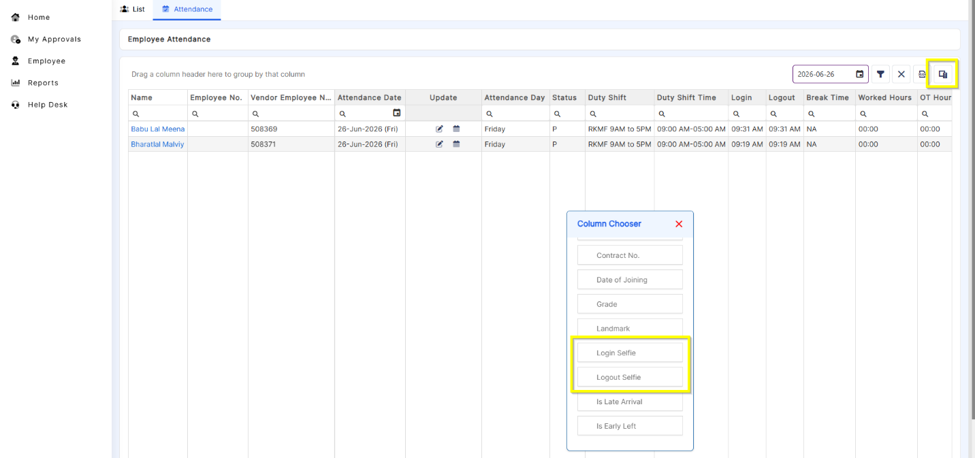
- Under the Login Selfie or Logout Selfie column, select the required employee and click View.

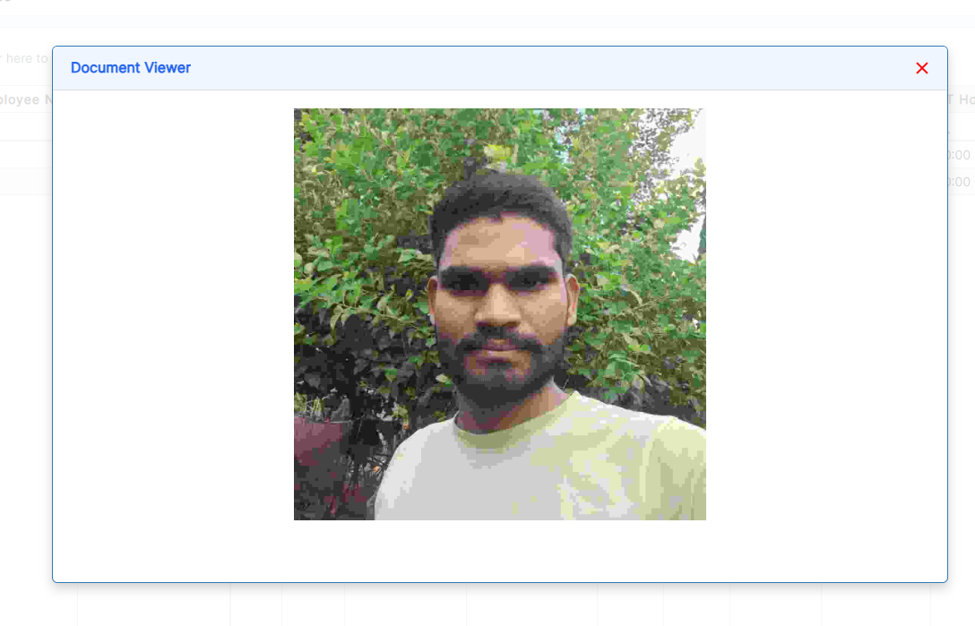
- The selected employee's daily attendance selfie will be displayed.
Was this article helpful?
That’s Great!
Thank you for your feedback
Sorry! We couldn't be helpful
Thank you for your feedback
Feedback sent
We appreciate your effort and will try to fix the article