Steps to Create a ID card template:
- Settings >> General Master >> Template Library
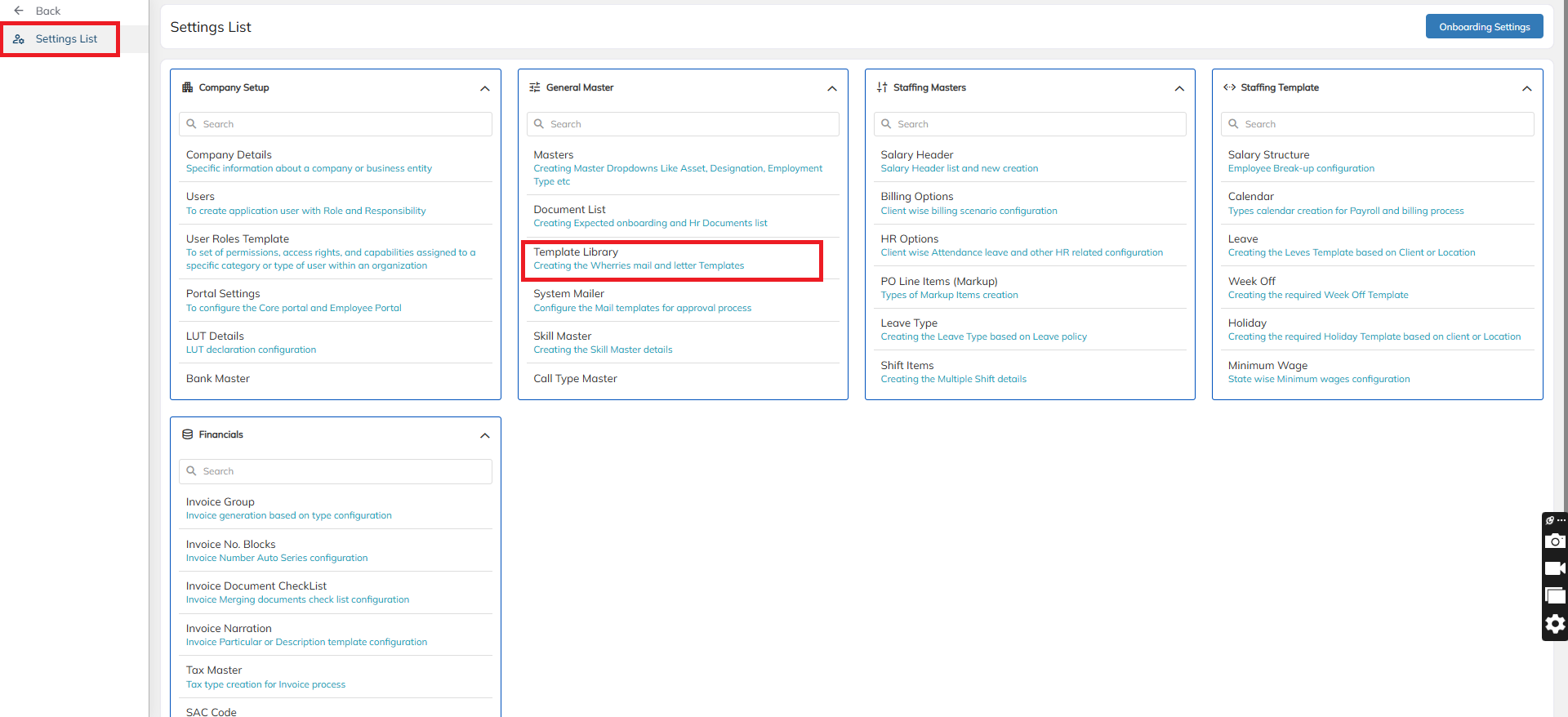
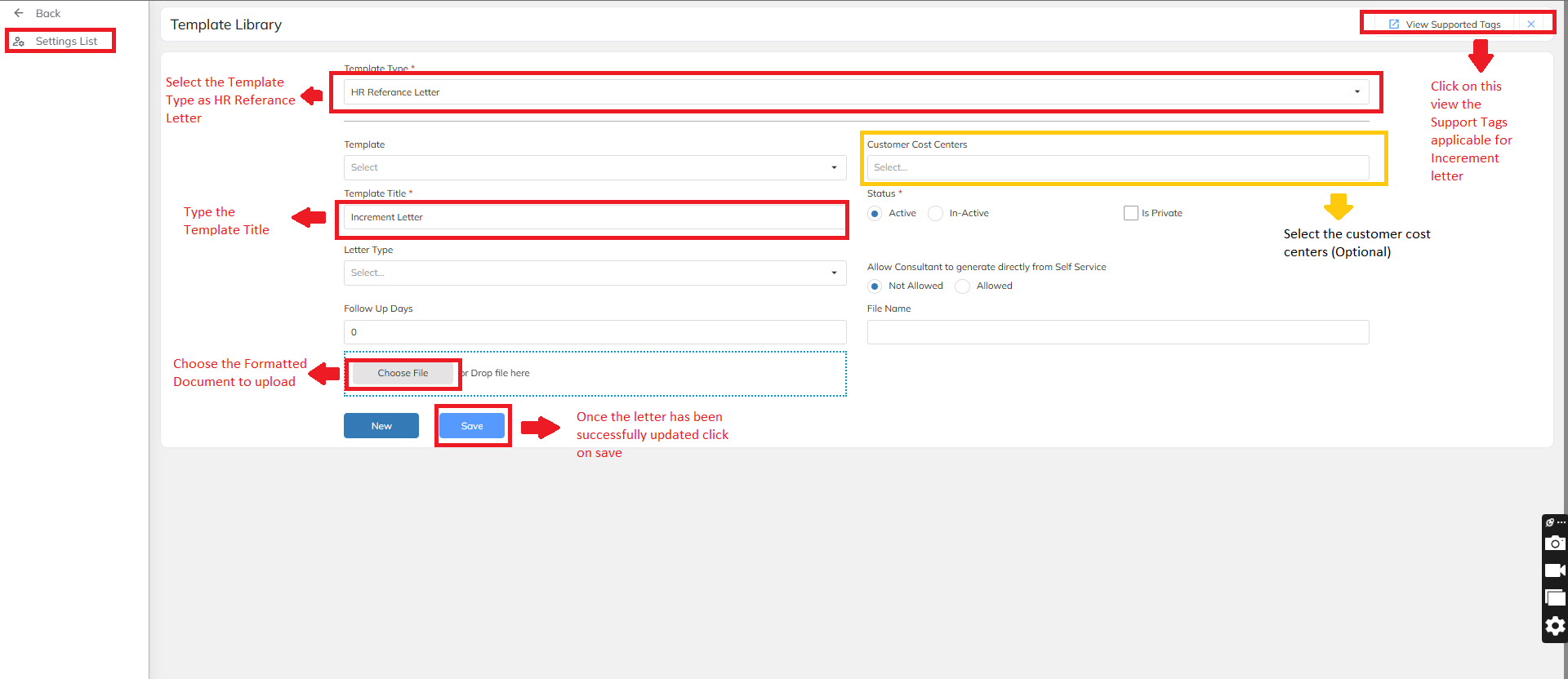
- Choose the Template Type dropdown as ID card to begin the configuration.
Create a Template Title with a relevant name for the ID card
Prepare the Word Document:
Use standard formatting and structure in the Word file to ensure proper alignment in the final PDF output.
Replace employee-specific data with system-recognized supporting TAGs (e.g.,
{{ConsultantName}},{{Designation}},{{IncrementDate}}etc.)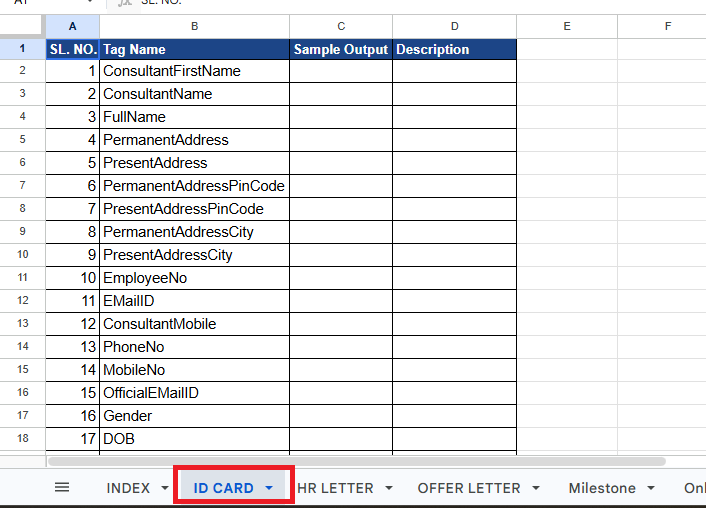
Refer to the Sample Tags:
A full Tag List is available in the application. Use the View Support Tag option on the same letter configuration screen to access it.
Upload the Word Document:
Once the template is ready with the required tags and formatting, upload it using the Choose File option.
Click Save to store the template.
Was this article helpful?
That’s Great!
Thank you for your feedback
Sorry! We couldn't be helpful
Thank you for your feedback
Feedback sent
We appreciate your effort and will try to fix the article