Invoice Deletion Access Requirement:
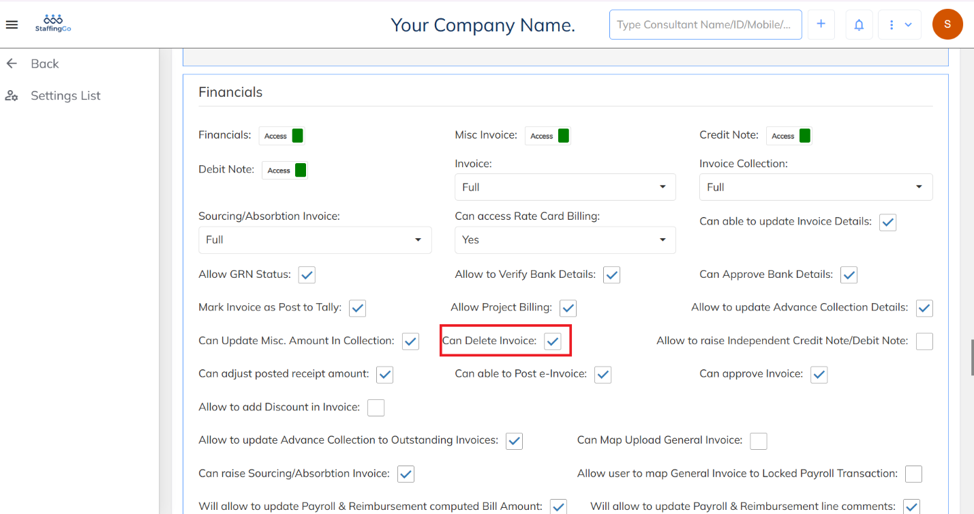
- To delete an invoice, ensure that the user has the required Invoice Delete access permission enabled in their role/access rights. After the required Invoice Delete access is granted, enable the Delete Invoice option.
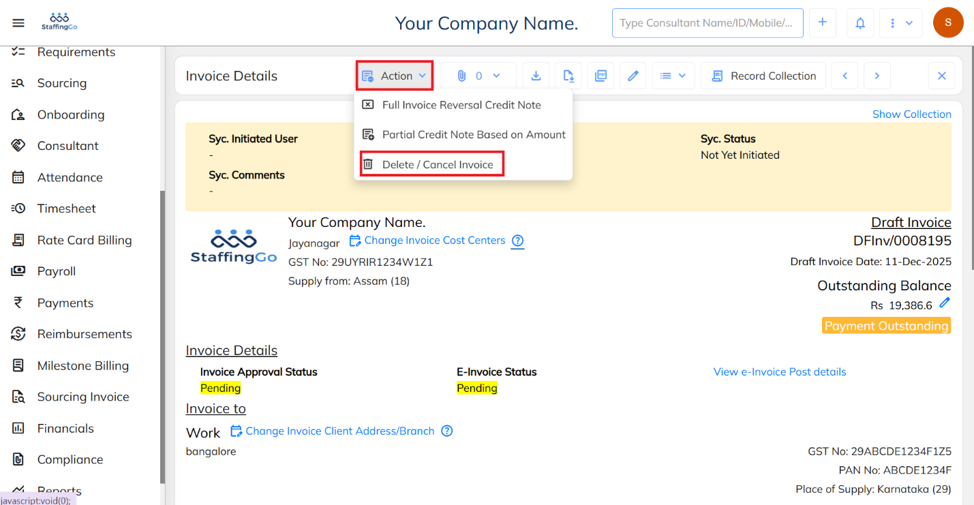
- Select the invoice you want to delete, click the Action button, and then select the Delete/Cancel option.
Was this article helpful?
That’s Great!
Thank you for your feedback
Sorry! We couldn't be helpful
Thank you for your feedback
Feedback sent
We appreciate your effort and will try to fix the article