Steps to Update Minimum Wages
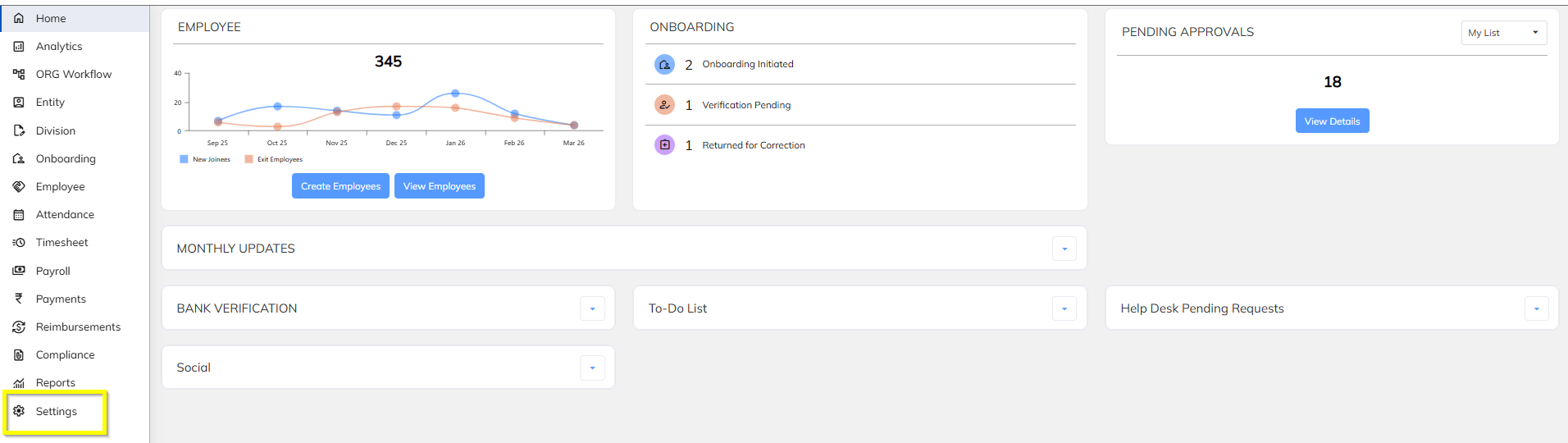
- Navigate to settings
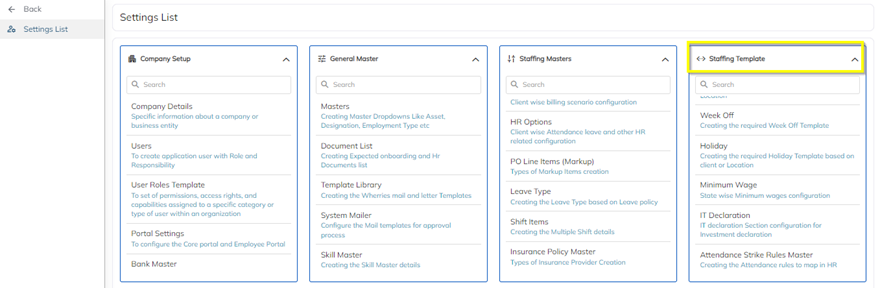
- In Settings please click on Staffing Template
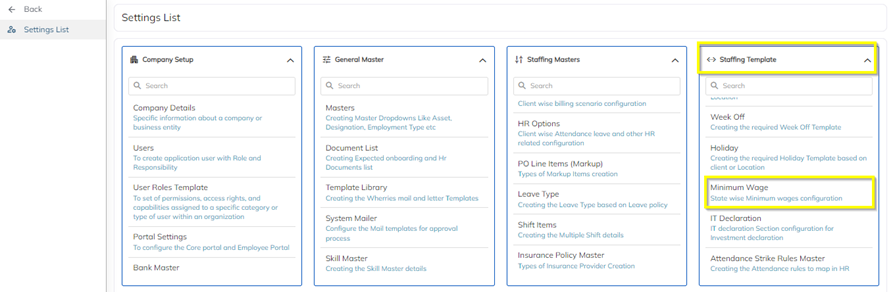
- In Staffing Template Click on Minimum wages
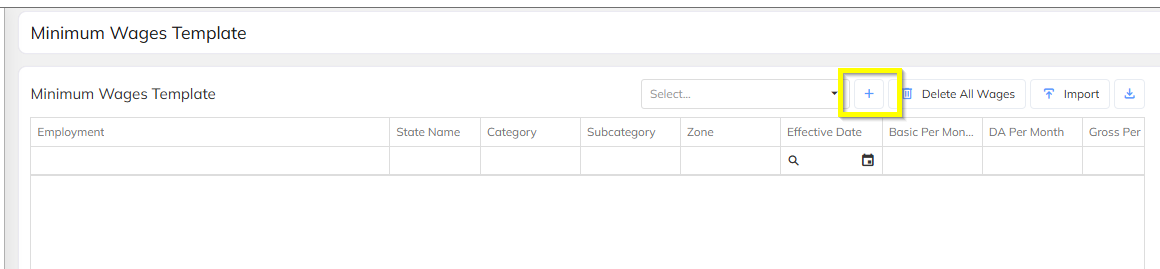
- Once Click on the Minimum wage tab update page will open, there user will have two one One by one update and Excel import.

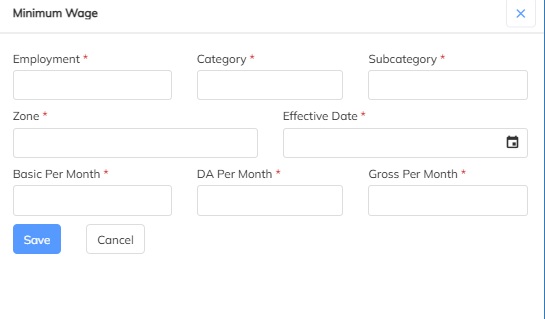
- Select State and click on plus Button
- Enter all the mandatory details and click on save button.
For Bulk Upload follow the Steps Below
- For bulk import Click on the Import button above

- Download the Sample template and fill all details.

- Enter all the details in Excel and save the File after that select file which is saved.

- After select file if its show valid click on valid Button

Was this article helpful?
That’s Great!
Thank you for your feedback
Sorry! We couldn't be helpful
Thank you for your feedback
Feedback sent
We appreciate your effort and will try to fix the article