While generatingOffer/HR letter if any Salary header mapped to that particular Salary structure is not reflecting in Offer/HR letter then, the below mentioned option should be reviewed under that particular salary header.
Follow the Navigation as mentioned:
1.) Click on Settings option
2.) Click Salary Header under Staffing master
3.) Select the particular Salary header, which is not reflecting in Offer/HR letter and check for the below option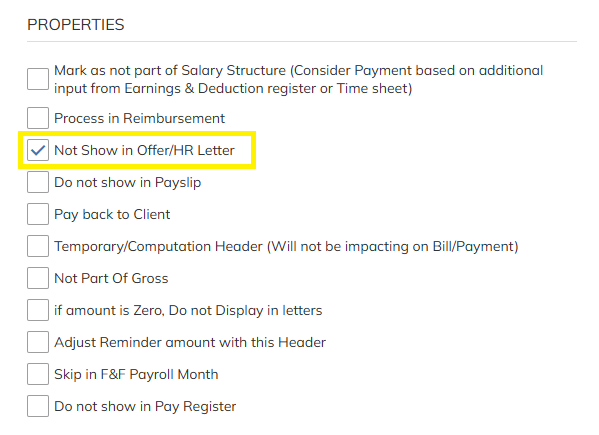
If "Not show in Offer/HR letter" is enabled that particular Salary Header will not reflect in Offer/HR letter, in order to reflect the same in Offer/HR letter this option should be disabled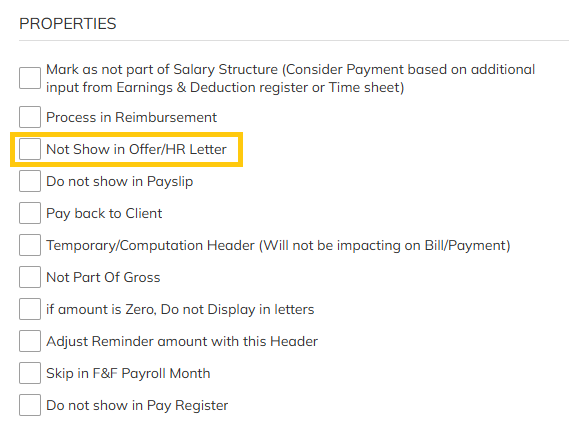
Was this article helpful?
That’s Great!
Thank you for your feedback
Sorry! We couldn't be helpful
Thank you for your feedback
Feedback sent
We appreciate your effort and will try to fix the article