Partial hold and Full amount Process
- Partial amount hold for single employee.
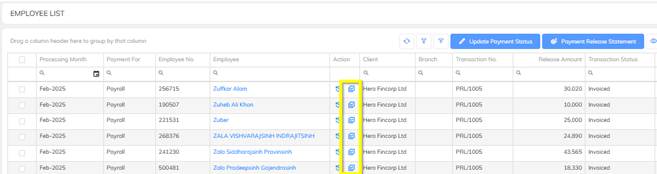
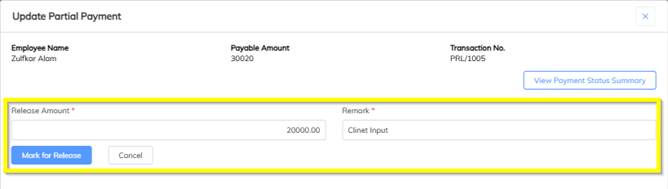
- Partial amount hold bulk excel import.
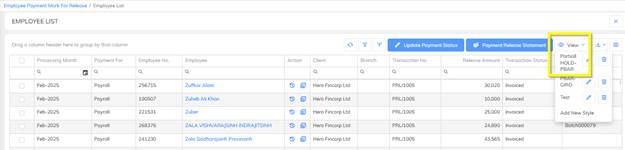
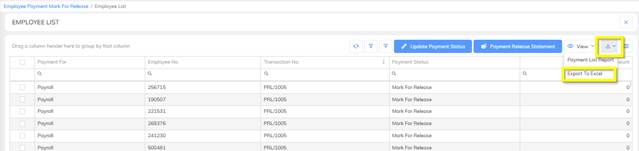
- Update the Partial release amount in Excel and save the excel.
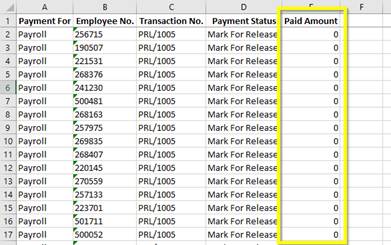
- Import the saved excel into the system


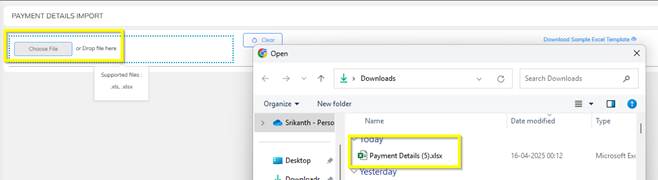
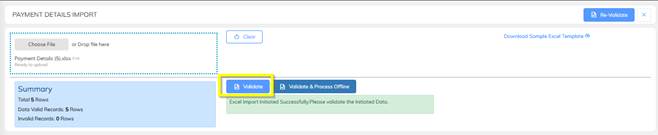
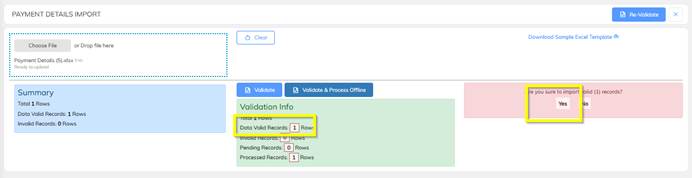
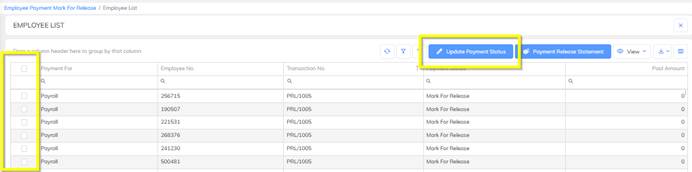
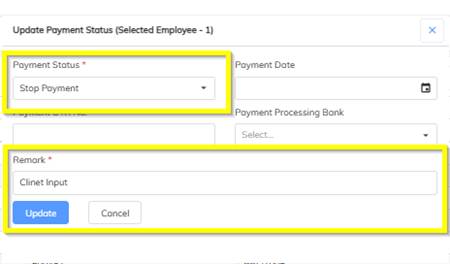
- Full Amount Hold/stop payment.
Payment Batch Generation
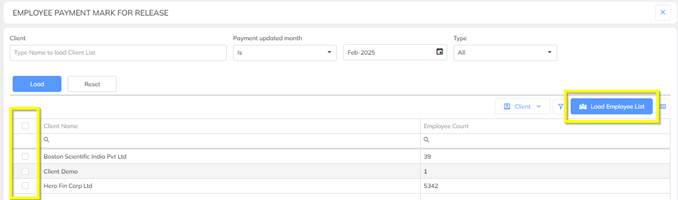
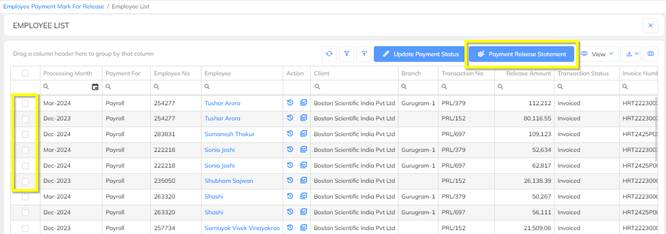
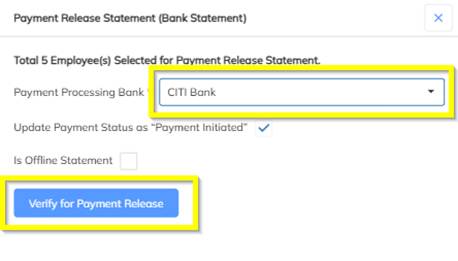
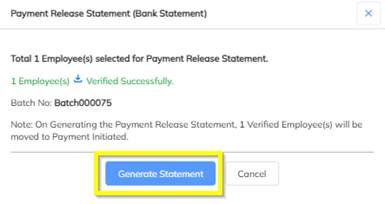
- User update of the payment release, the Payment Release team will initiate the payment process and generate the corresponding payment batch.

Payment Batch Voucher Approval
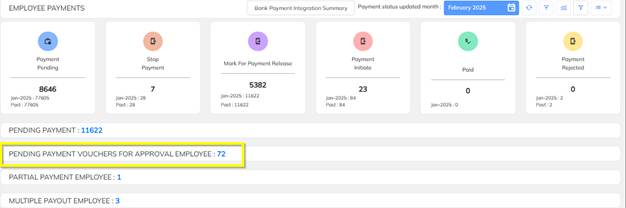
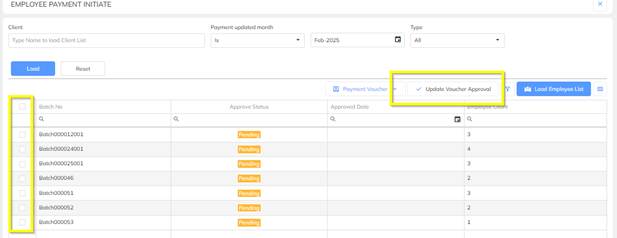
- Once the payment batch is generated by the Payment Release team, the Finance team will review and approve the batch for further processing.
Was this article helpful?
That’s Great!
Thank you for your feedback
Sorry! We couldn't be helpful
Thank you for your feedback
Feedback sent
We appreciate your effort and will try to fix the article