Steps to Submit the Proos or Documents against your declatration
Step1: Navigate on Financials Tab and click on the Tax
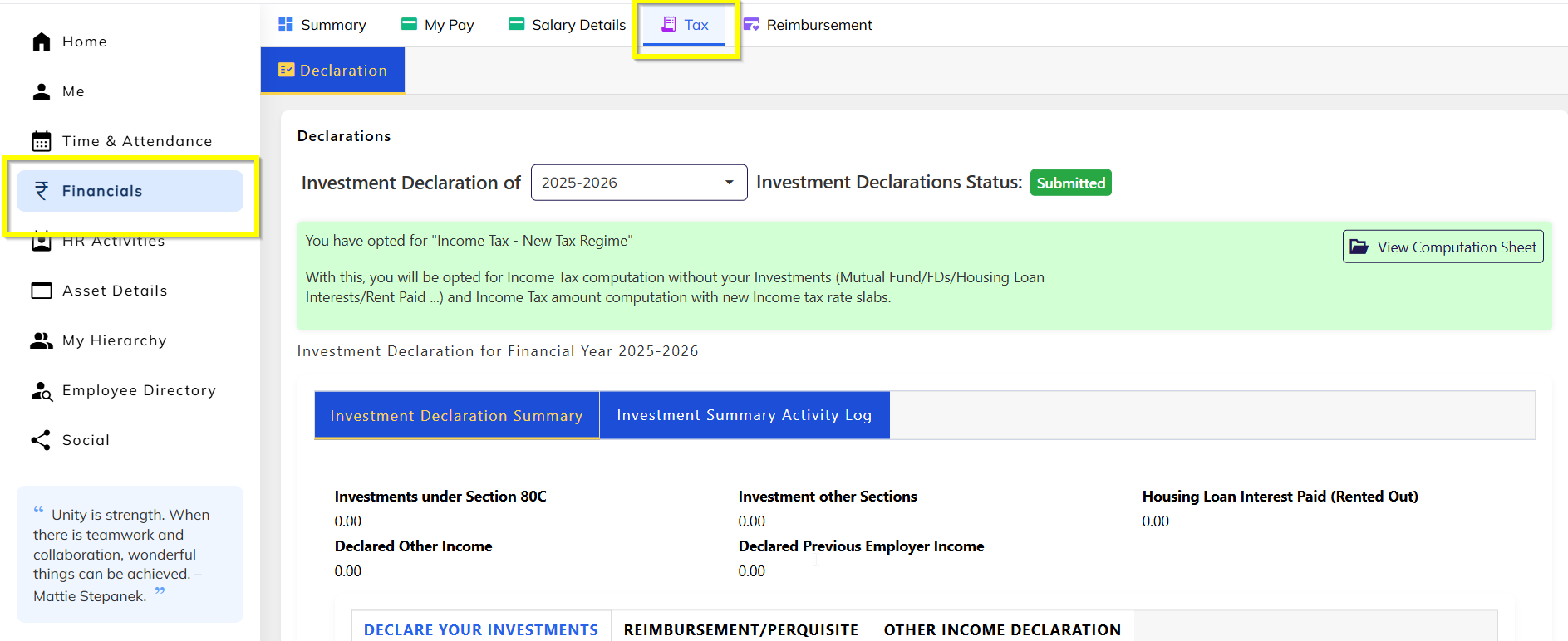
Step 2: Click on the Start Investment declaration.
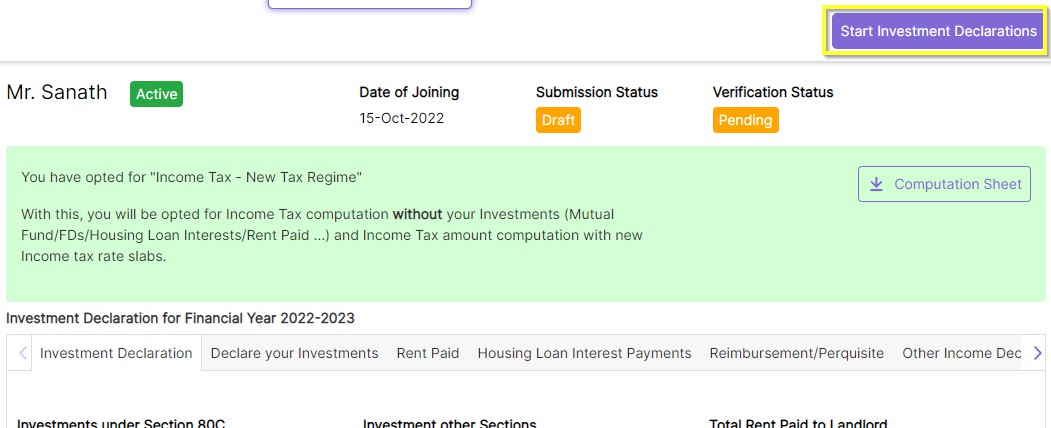
Step 3: After clicking the Strat button go to the declaration tab there is + is there click that + button
Step 4: Once you click on + button there is an option to declare the investment amount and once updated all mandatory details click on Submit button.
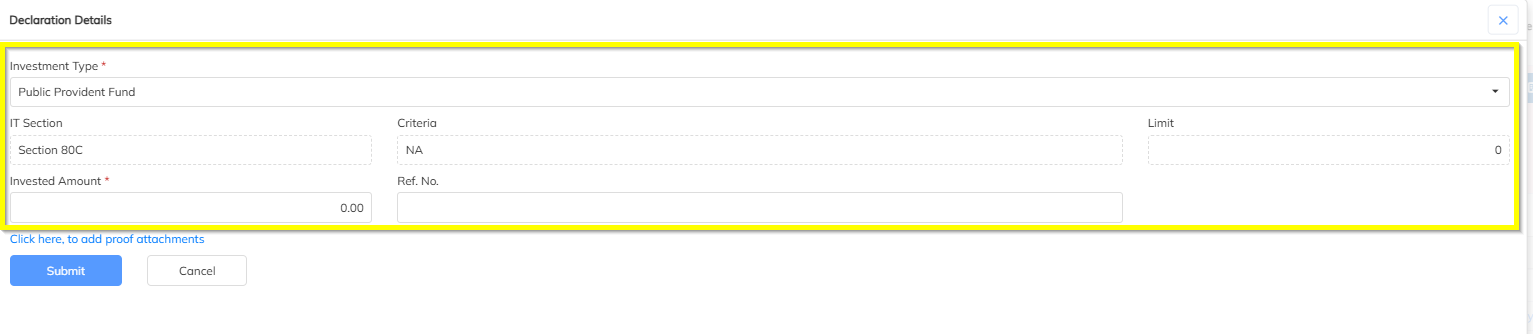
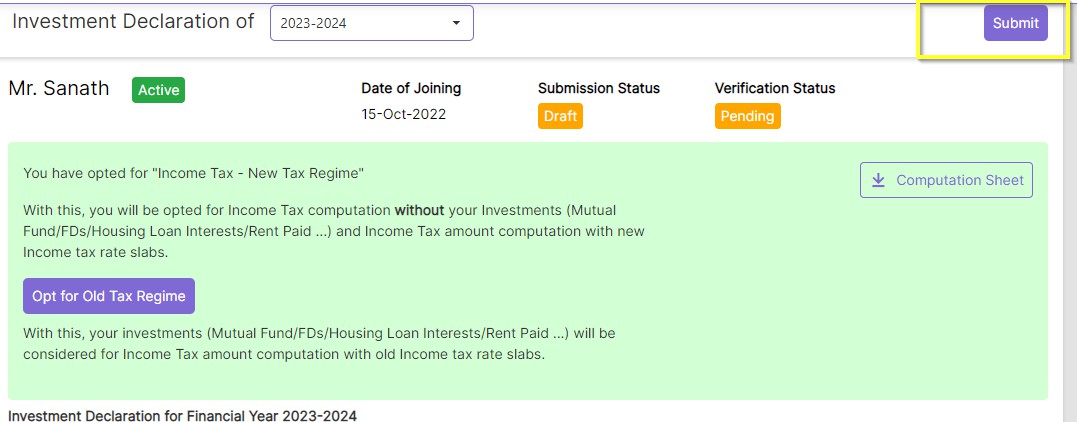
Step 5: Input all the required details in all the sections and click on; “Submit” button
Feel free to reach out to support@staffinggo.in for any help.
Was this article helpful?
That’s Great!
Thank you for your feedback
Sorry! We couldn't be helpful
Thank you for your feedback
Feedback sent
We appreciate your effort and will try to fix the article